Authorisation first.
For payment cards, the provider first confirms a payment hold. For employee badges, the system verifies permissions and the linked credit or billing mode. The door stays locked until authorisation succeeds.
Customers shop naturally. In the background, FreshPass connects access control, RFID inventory and the chosen payment method.
Every purchase has a clear beginning, basket and outcome. Each step belongs to a specific shopping session.
For payment cards, the provider first confirms a payment hold. For employee badges, the system verifies permissions and the linked credit or billing mode. The door stays locked until authorisation succeeds.
The customer takes one or more products and can return an item before closing. A session belongs to one customer; the next customer can start once it has ended.
The sensor confirms the door is closed and the lock secures the compartment. An open door means selection is still in progress, not a completed purchase.
Antennas inside the fridge read the remaining item identifiers. The difference from the inventory before opening identifies the products taken. The system links each identifier to a name and price.
The verified basket is sent to the payment system, which processes the final amount. For a card hold, the provider and bank release the unused balance under their rules. Uncertain outcomes go to review.
Inventory, sales and payment status are linked. Depending on the payment solution, a receipt can be made available through a link or QR code. Staff can also see incomplete payments and other exceptions.
The contactless terminal and payment provider handle authorisation, any required hold and the final purchase charge.
An existing identifier can be linked to credit, employee benefits or regular billing if supported by the selected reader and company system.
A small passive label links an individual package to the product record. It needs no battery and no direct line of sight to the reader.
Water, cans, foil and condensation affect reading conditions. The pilot therefore tests the label type and placement on your actual assortment.
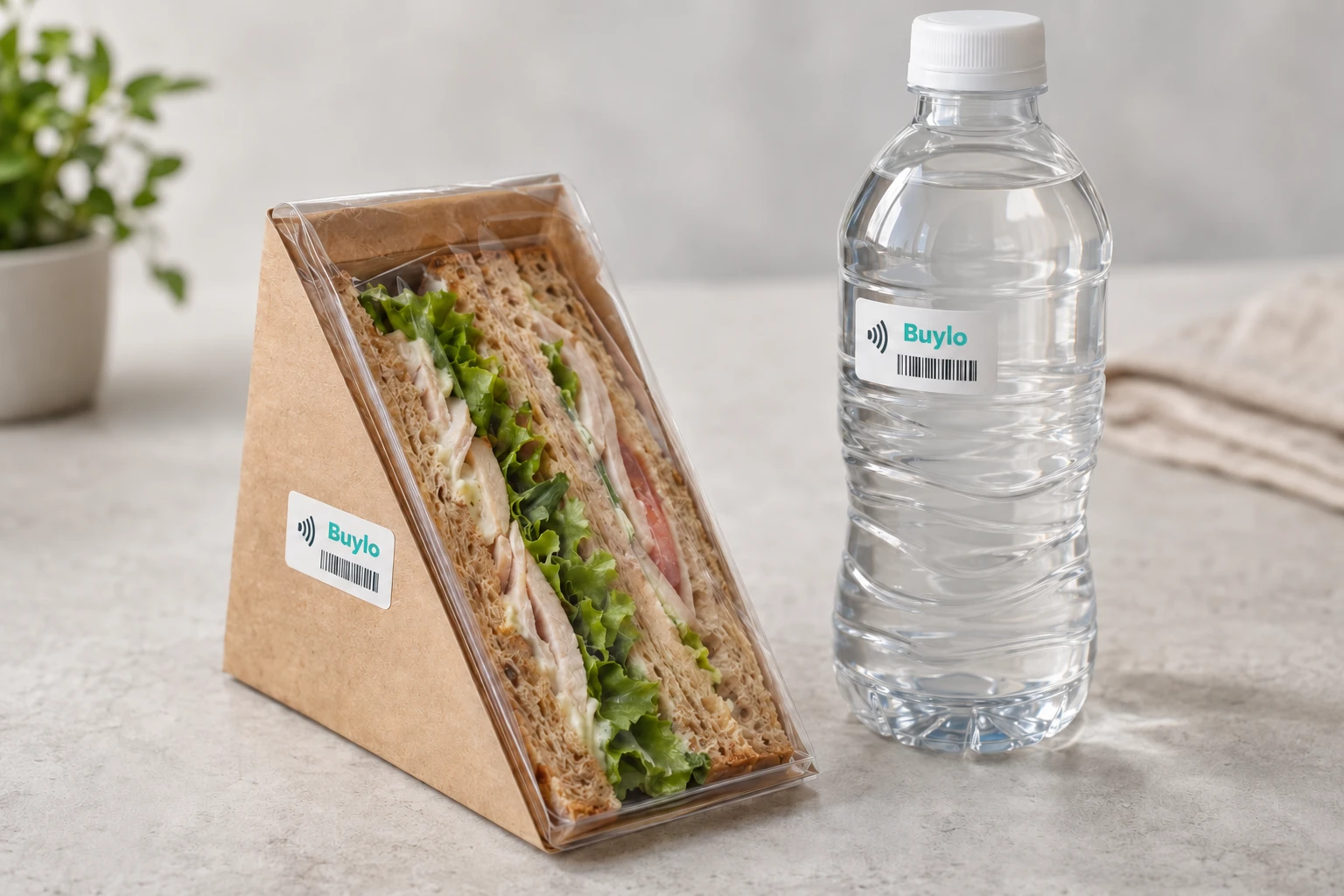
The RFID label is applied to the outer packaging of food or drinks. Each item receives its own ID, which the software links to the product, price, batch and expiry date.
We test label type and placement on your assortment. For bottles, distance from the liquid matters; metal packaging requires a suitable tag design.
A complete fridge with integrated RFID and a payment terminal can create a self-service retail point in an airport terminal. The same principle works in offices, hotels and petrol stations.
FreshPass use cases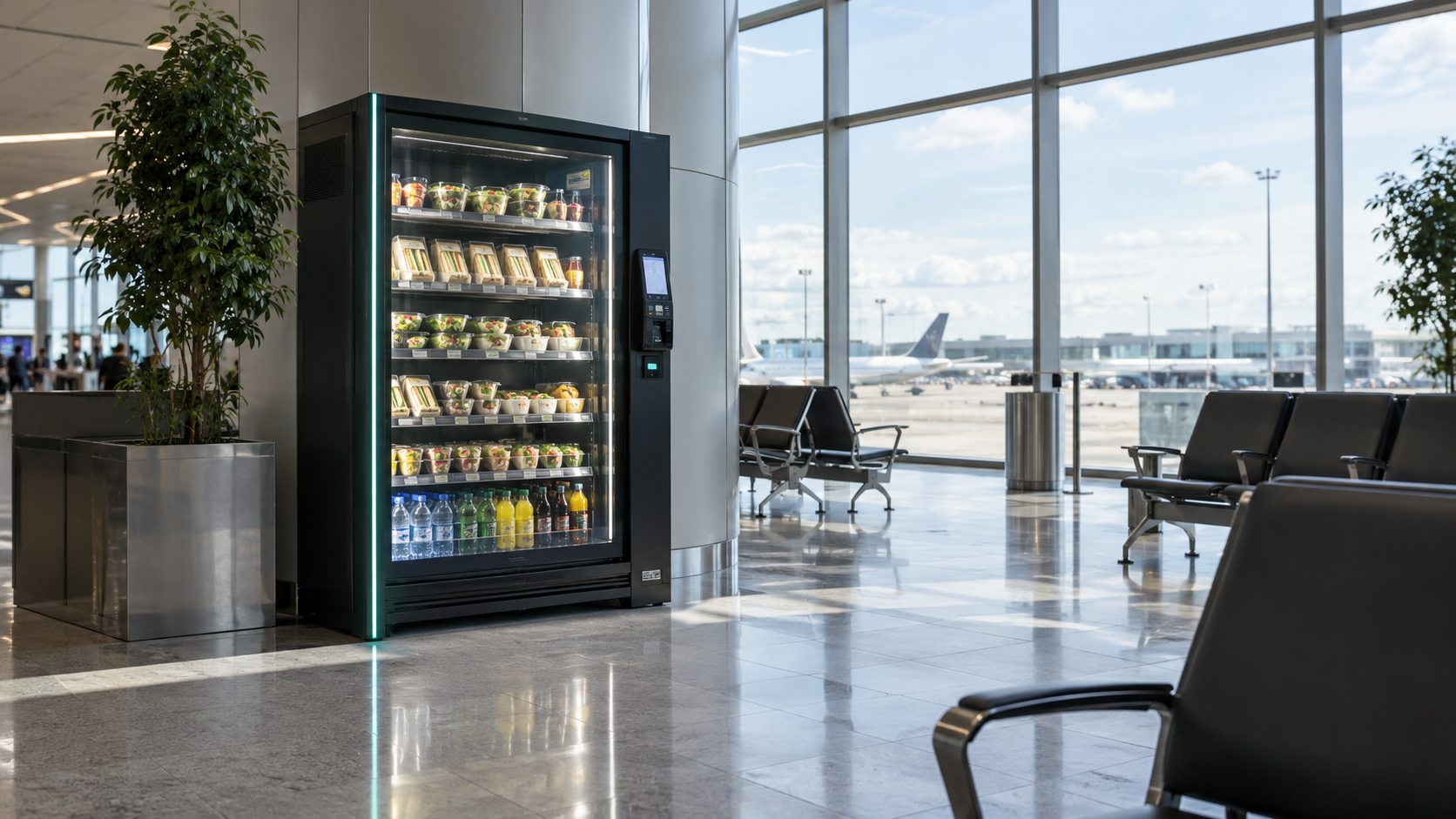
If you return it to the same fridge before closing and the final scan confirms its label, it is not part of the purchase. Returns after a completed purchase are handled separately by the operator.
Once unchanged inventory is verified, the session ends without a purchase. The payment provider releases any hold; when that appears in the account depends on the bank.
Uncertain inventory should trigger a review or repeat scan according to the configured procedure. Automatic charges must not use an arbitrary basket estimate. Label types and reading zones are tested during the pilot.
The sale remains pending or failed. The system should check the status with the provider and alert staff. Retries must use the same transaction to prevent a duplicate charge.
Behaviour is configured for the specific hardware and payment service. A new purchase is not allowed without confirmed authorisation and the required payment availability. An open door can trigger an alert, and the session waits for closure.
Yes. FreshPass is supplied as a complete fridge with internal RFID, door control and a payment terminal. The model and configuration depend on capacity, assortment and installation location.
Technical principles: payments in autonomous stores, payment holds and capture, RFID on liquids and metal packaging. We confirm the provider and supported functions for each project.
Let's discuss the fridge, assortment and payment mode.